 Hyprnux
Search that covers every option
Type a word and jump to the option, even an advanced one.
Configuration
Search an option, change it, and the desktop applies it at once.
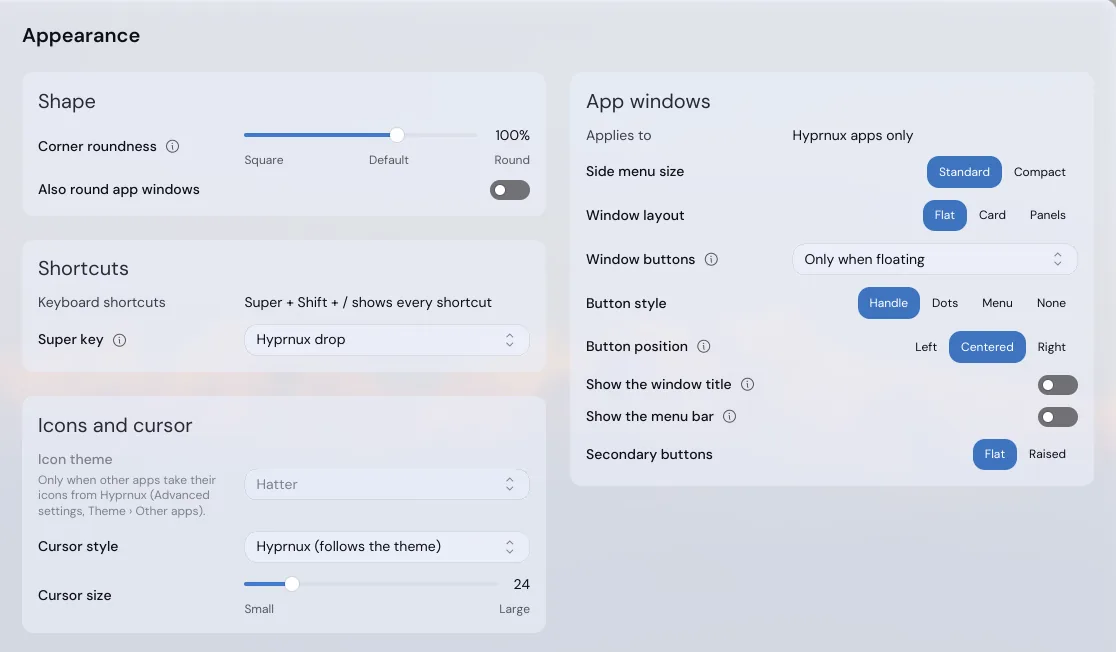
hyprnux-settings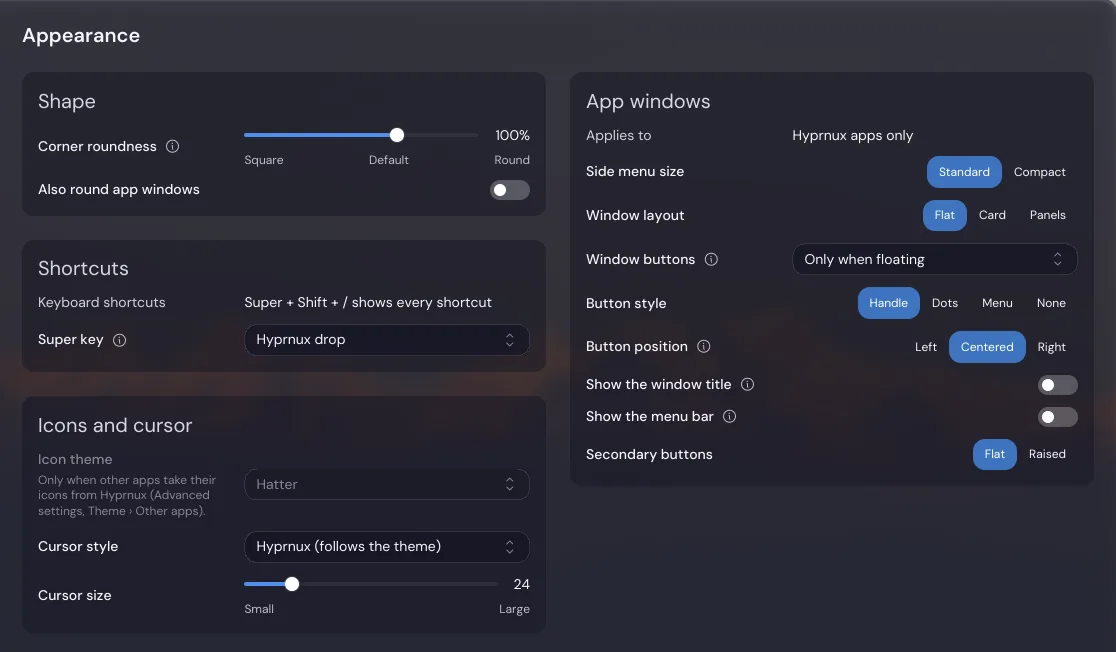
Type a word and jump to the option, even an advanced one.
The desktop look is set once and every Hyprnux app follows it.
Write a page for your own tool: one JSON file, no interface code.
Read the guideYour own settings are saved as you change them, into a plain JSON file other apps can watch. System-wide ones ask for your password first.
Before you start. A Wayland session, the graphics system Hyprland uses.
Packaged for pacman, on Arch Linux. Add the Hyprnux repository once first: Install Hyprnux. On another distribution, build it from its sources.
sudo pacman -S hyprnux-settingsSettings runs in any Wayland session with a working graphics driver: it needs neither a Hyprland session nor the Hyprnux shell, although pacman installs Hyprland with it, along with the libraries that let it use your graphics card (Vulkan and OpenGL). Some pages show only where they apply: Shortcuts in a Hyprland session, the network pages with NetworkManager, Identify displays with the shell. Other packages, such as Hyprglass, add their own pages when installed.
sudo pacman -Rns hyprnux-settingsIf something goes wrong, see the install guide.