Hyprnux Install Français

Products

One desktop, in parts you install separately.

Each part installs on its own. Packaged for pacman, and buildable from sources on other distributions. Take the whole desktop, or only the part you want.

The Hyprnux desktop with its bar.
Start here

Hyprnux Shell

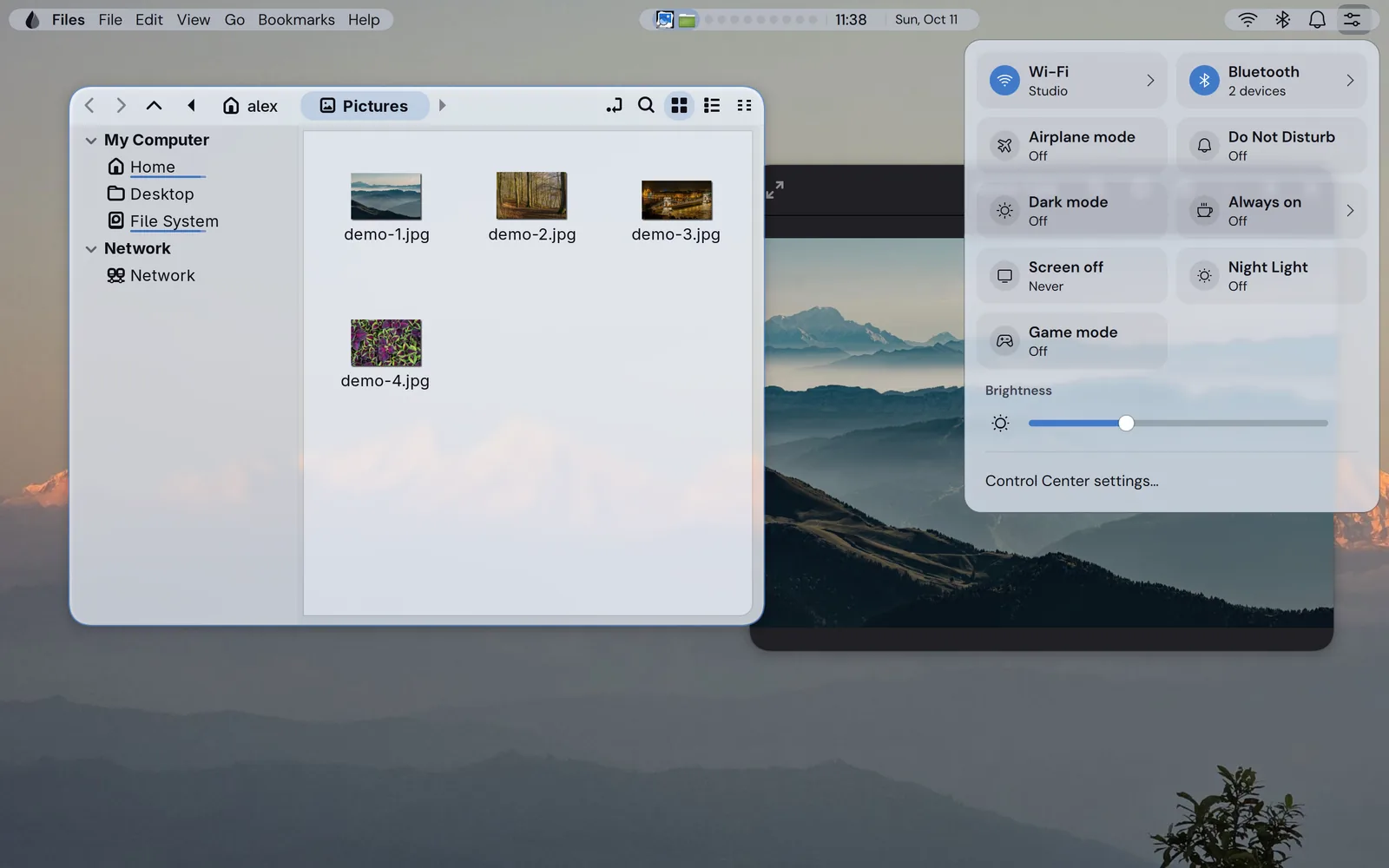
The bar, launcher and panels of the Hyprnux desktop. It is the part you see all day. Install it with the Hyprland configuration, or your own hyprland.lua, then add Settings.
The desktop, its settings, login and first start

Hyprnux Settings

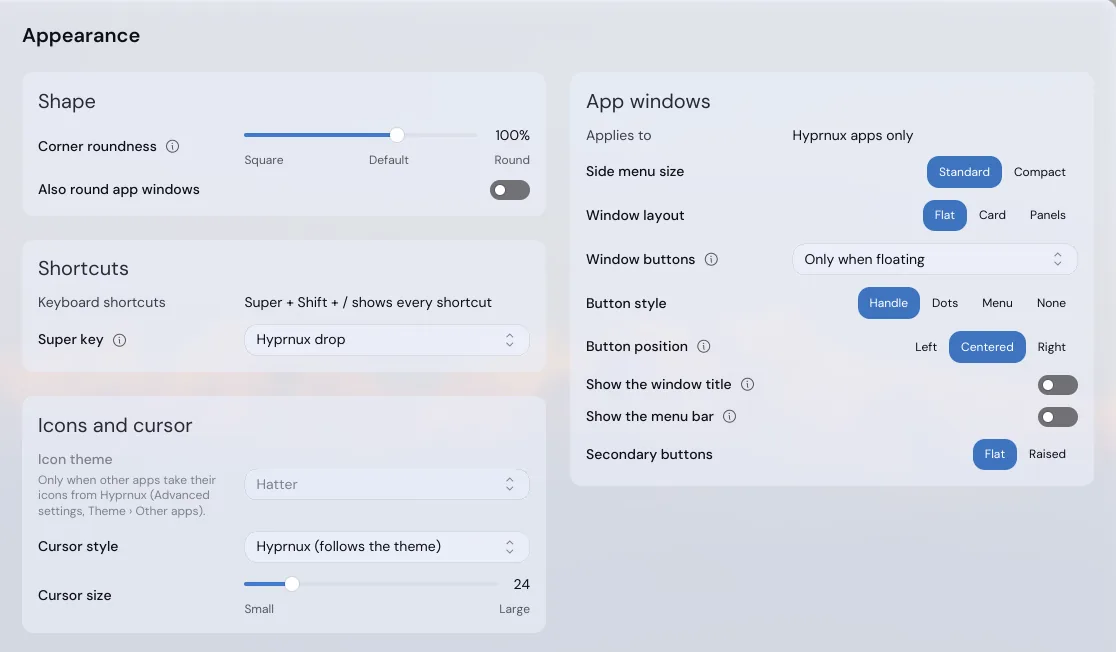
Search an option, change it, and the desktop applies it at once.

About Settings
Optional

Hyprnux Login

A login screen with your accounts, a clock and a password field, in the look you choose.

About the login screen
Optional

Hyprnux First Start

Language, keyboard, disk passphrase and your first account, in up to seven short steps.

About the first start

Apps

Hyprnux Store

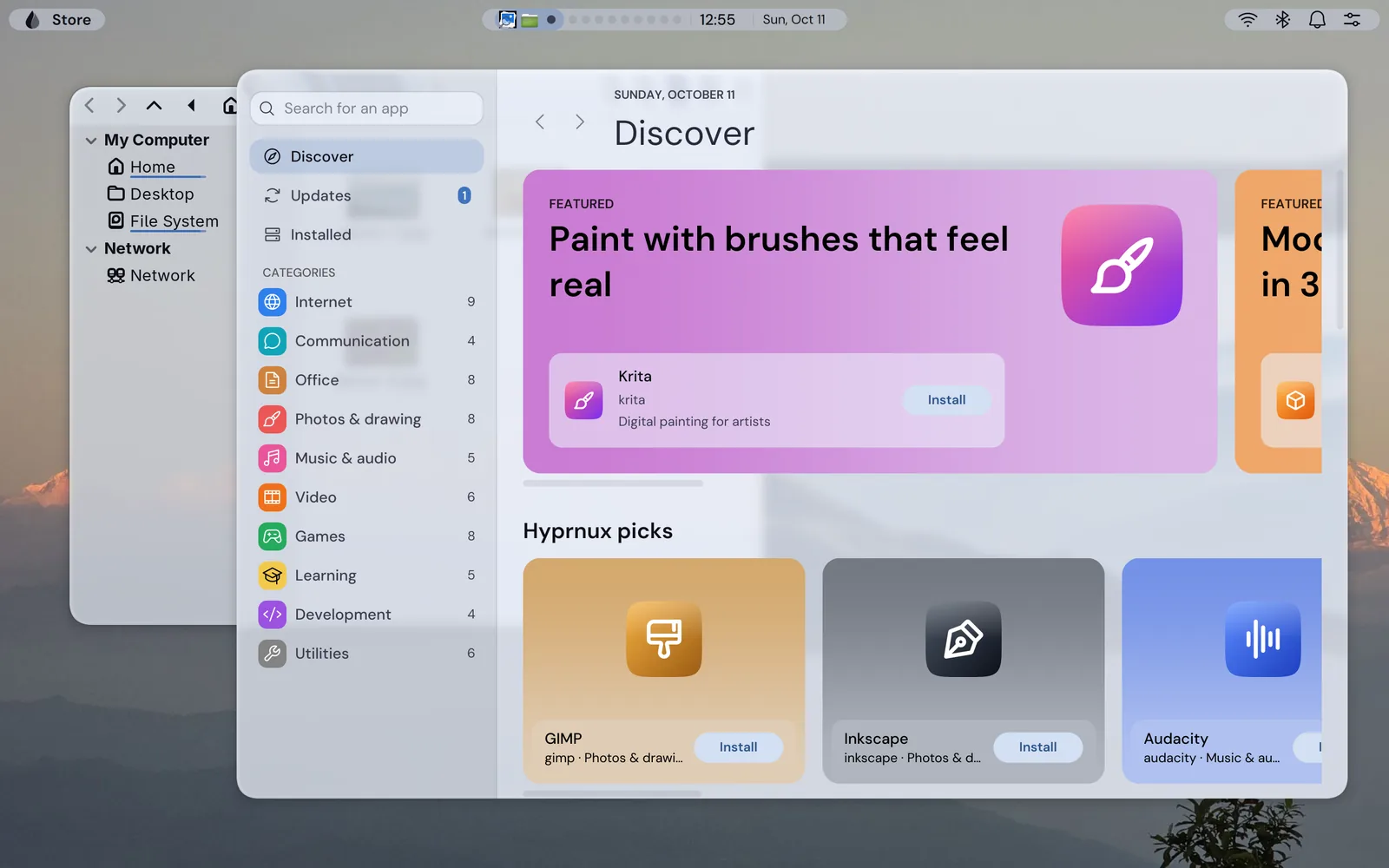
Find, install and update apps from one window, in plain words.

About the Store

The glass and the configuration

Hyprglass

Blur, refraction and tint for Hyprland windows, layers and panels.

About Hyprglass

How they fit

  1. Hyprland: the window manager, the program that draws and moves the windows on screen.
  2. The Hyprland configuration: sets Hyprland up for Hyprnux.
  3. Hyprglass: the glass effects plugin.
  4. The shell: draws the bar, the launcher and the panels, in that glass.
  5. Settings: changes the options of the other parts; any package can add a page.
  6. The Store: finds, installs and updates apps.
  7. The login screen and First start: optional parts that come before the desktop, one for sign-in and one for the first account of a new computer.