 Hyprnux
A bar you arrange
Float it at any edge or use a frame around the screen. Choose which items it shows and in what order.
The desktop
The bar, launcher and panels of the Hyprnux desktop.
hyprnux-shell


Separate pieces floating at the edge: the default.Your desktop, your bar: choose the layout, the side and the items in Settings.One bar from edge to edge.Your desktop, your bar: choose the layout, the side and the items in Settings.One bar inset from the edges, with rounded corners.Your desktop, your bar: choose the layout, the side and the items in Settings.A frame around the whole screen, with the bar as one side.Your desktop, your bar: choose the layout, the side and the items in Settings.Top, bottom, left or right: the bar goes where you want it.Your desktop, your bar: choose the layout, the side and the items in Settings.


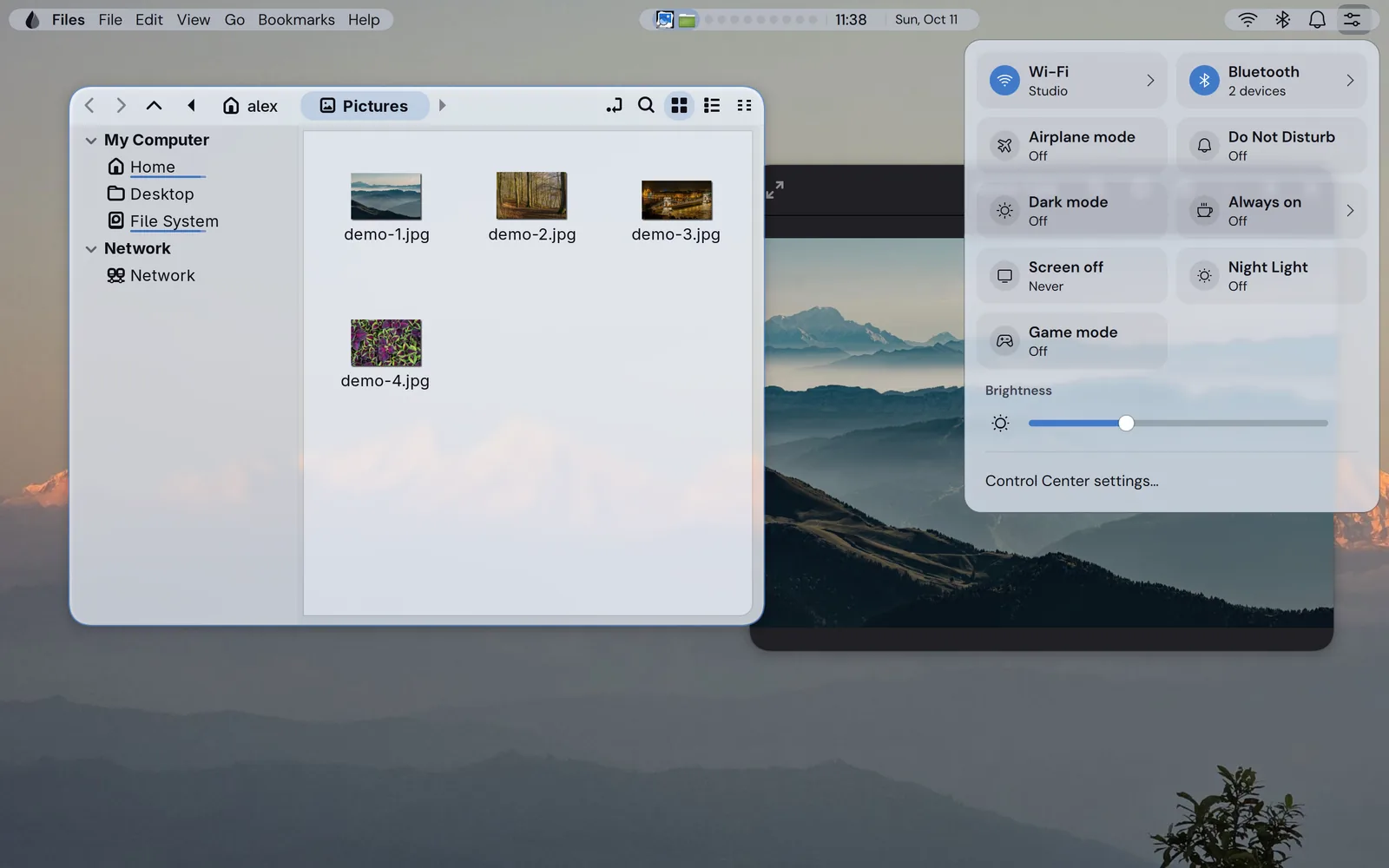


Float it at any edge or use a frame around the screen. Choose which items it shows and in what order.
Type to open an app, calculate or convert units. Type > then a command to run it, : then a name to find an emoji, or ; then a word to search the clipboard history.
Notification cards with a history, a Control Center with quick switches and sliders, and an overview of every workspace where you drag windows between tiles.
The options of every piece are in Settings, and a change shows without a restart.
Theme, accent color and glass settings apply to the bar and the panels.
Every shortcut has a default and can be changed in Settings.
The defaults come with the shell. Two files override them, the later one winning: the first for the machine, the second for you. You write only the keys you change, and the shell reloads when a file changes.
/etc/hyprnux-shell/config.json ~/.config/hyprnux-shell/config.json Without these, a feature is hidden or falls back:
hyprglasshyprnux-settingsNetworkManagerbluezupowerpower-profiles-daemonhyprsunsetddcutiltesseractpacman installs these with the shell:
quickshell 0.3 or laterhyprland 0.56 or laterhyprnux-palettehypridlepolkitgrimwf-recorderwl-clipboardcliphistlibnotifybrightnessctllibpulsesystemdxdg-utilsxdg-user-dirsglib2libheiflibxkbcommonxkeyboard-configBefore you start. Hyprland 0.56 or later and Quickshell 0.3 or later, both in the Arch repositories, and a Hyprland setup (hyprnux-hyprland gives you one).
Packaged for pacman, on Arch Linux. Add the Hyprnux repository once first: Install Hyprnux. On another distribution, build it from its sources.
sudo pacman -S hyprnux-shellYou already have a hyprland.lua: add the shell’s line to it once. The install guide gives it.
You have none: install the Hyprland configuration too, it loads the shell.
sudo pacman -S hyprnux-hyprlandhyprnux-palette comes with the shell: pacman adds it by itself. If you install from package files, give pacman the hyprnux-palette file in the same command.
sudo pacman -Rns hyprnux-shellIf something goes wrong, see the install guide.